

eSIM for Travel: The Complete Guide to Staying Connected Abroad in 2026
eSIM for travel in 2026: how to set up, which providers to use, and how to save $60-190 per trip vs carrier roaming. Complete guide with provider comparison.

eSIM for travel in 2026: how to set up, which providers to use, and how to save $60-190 per trip vs carrier roaming. Complete guide with provider comparison.
There's a particular kind of dread that hits right after you land in a foreign country. You pull out your phone, see "No Service," and suddenly you're cut off from maps, ride-hailing apps, and your hotel confirmation.
An eSIM solves that problem before you even board the plane. Here's everything you need to know — from how they work to which provider is worth your money in 2026.
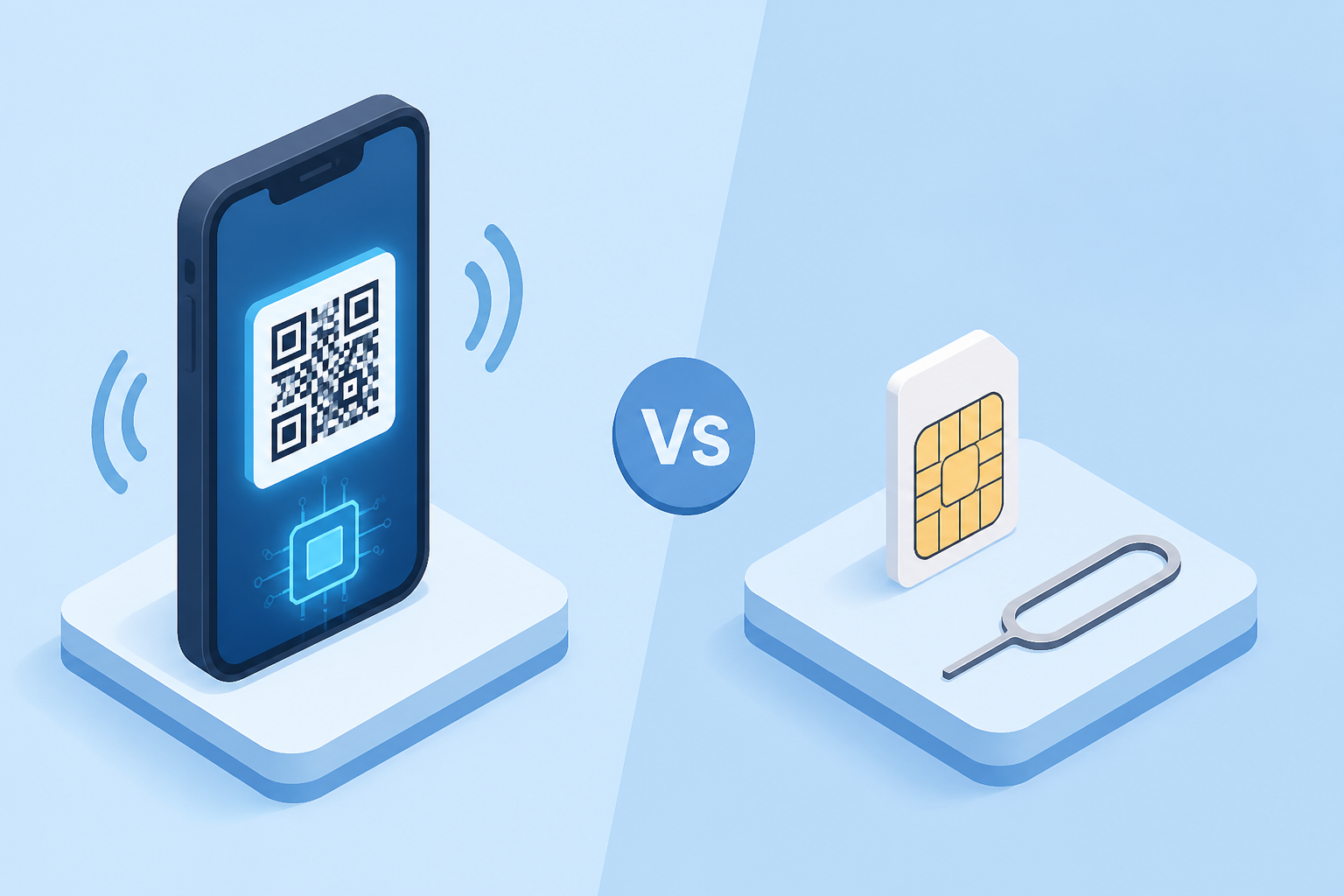
An eSIM (embedded SIM) is a tiny chip built directly into your phone. Instead of swapping a physical SIM card, you download a carrier profile digitally — usually by scanning a QR code or tapping a link.
Think of it like this: a physical SIM is a DVD. An eSIM is Netflix. Same content, no plastic required.
Most modern smartphones can store eight or more eSIM profiles simultaneously, though only two can be active at once. That means you can have your home carrier and a travel data plan running side by side — no SIM-swapping, no tiny ejector tools, no losing that microscopic card in the airport carpet.
The honest answer: for most travelers in 2026, eSIM wins. But there are still situations where a local physical SIM makes sense. Here's the full breakdown.
| Feature | eSIM | Physical SIM Card |
|---|---|---|
| Setup Time | 5 minutes from your couch | 30-60 min (find a shop, wait in line, register) |
| Convenience | Buy and install before departure | Must purchase on arrival |
| Cost per GB | $2-5/GB (varies by region) | $1-3/GB (often cheaper in Asia) |
| Multi-Country Trips | One regional plan covers many countries | New SIM needed per country |
| Dual SIM Support | Keep home number active simultaneously | Must swap out home SIM (or have dual tray) |
| Local Phone Number | Usually data-only (no local number) | Comes with a local number |
| Security | Cannot be physically lost, stolen, or cloned | Can be lost, damaged, or SIM-swapped |
| Device Requirements | eSIM-compatible phone (2018+) | Any unlocked phone |
| Best For | Short trips, multi-country itineraries | Long stays (2+ weeks) in one country |
Bottom line: If you're hopping between countries or traveling for under two weeks, eSIM is the clear winner. If you're spending a month in Thailand and need a local number for booking services, a physical SIM might edge it out on pure value.
This is where the math gets wild. Most US carriers charge $10-15 per day for international roaming — and that's with data caps you'll burn through by lunch.
Here's what a 7-day European trip actually costs:
| Option | 7-Day Cost | Data Included | Throttling? |
|---|---|---|---|
| AT&T International Day Pass | $84 | Uses domestic plan (throttled abroad) | Yes, after ~2GB/day |
| Verizon TravelPass | $84 | Uses domestic plan (throttled abroad) | Yes, after 2GB/day |
| T-Mobile International Pass | $105 | Unlimited high-speed | Varies by plan |
| Travel eSIM (5-10GB) | $10-25 | 5-10GB full speed | No (until cap reached) |
That's a savings of $60-95 per week — enough to cover a nice dinner in Paris. For a two-week trip, the gap balloons to $120-190 in savings.
And the carrier day-pass charges hit you the moment you use your phone abroad, even for a single iMessage. The meter starts running whether you use 10MB or 10GB that day.
Planning an international trip? Book your flights with Autopilot and put those roaming savings toward an upgrade.
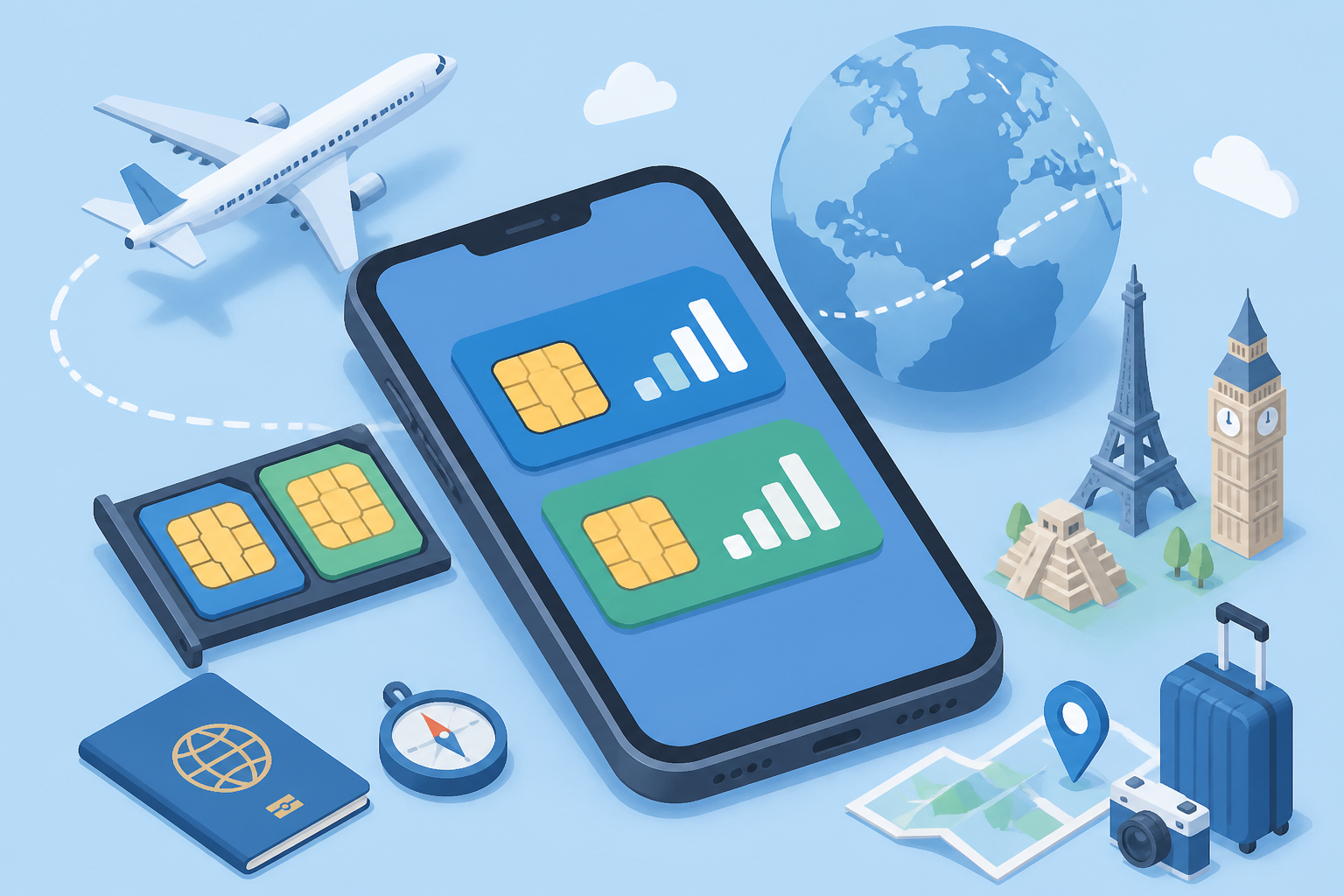
Good news: if you bought a phone in the last five years, you're almost certainly covered.
Quick compatibility check: On iPhone, go to Settings > Cellular. If you see "Add eSIM" or "Add Cellular Plan," you're good. On Android, check Settings > Network & Internet > SIMs (or SIM Manager on Samsung).
The best time to set up your travel eSIM is the day before you leave — from your couch, connected to home WiFi. Here's the step-by-step for both platforms.
The entire process takes about five minutes. When you land, just toggle the travel eSIM on, and you're connected before you clear customs.
The eSIM market has matured significantly. Here are the five providers worth considering, each with a different sweet spot.
| Provider | Countries | Starting Price | Data Options | Best For | App Rating |
|---|---|---|---|---|---|
| Airalo | 200+ | ~$4 (1GB) | Fixed data + unlimited plans | Widest country coverage | 4.7/5 |
| Holafly | 170+ | ~$3.90/day | Unlimited daily data only | Heavy data users, short trips | 4.7/5 |
| Nomad | 100+ | ~$5.50 (1GB) | Fixed data plans | Europe, mid-volume 10-20GB range | 4.7/5 |
| Saily | 150+ | ~$4 (1GB) | Fixed data plans | Budget-conscious, security features | 4.7/5 |
| eSIM.me | Varies | ~$10 (card) | Converts physical SIM to eSIM | Older phones without eSIM support | 4.2/5 |
Quick recommendations:
All four major providers have polished apps, instant QR code delivery, and 24/7 support. You genuinely can't go wrong with any of them.
This is the real power move. With eSIM, you don't have to choose between your home number and affordable travel data. You run both at once.
Here's the setup:
On your phone, set Line 1 as default for calls and SMS. Set Line 2 as default for cellular data. Turn off data roaming on Line 1 so your home carrier doesn't charge you for background data.
This way, your bank can still text you verification codes, your family can still reach you, and you're not paying $12/day for the privilege.
Ready to plan your next international trip? Search flights on Autopilot — then grab your eSIM the day before departure.

These trip up even experienced travelers. Don't be the person troubleshooting connectivity in a foreign taxi line.
The eSIM landscape has shifted dramatically over the past year. A few developments worth noting:
Yes. Most modern phones support dual SIM — one physical and one eSIM (or two eSIMs on newer iPhones). This is the ideal setup for travel: keep your home number on one line and use a travel eSIM for data on the other.
No. Travel eSIMs are almost always data-only, so they don't replace your phone number. Your home number stays active on your primary SIM. People can still call and text you normally — just make sure data roaming is off on your home line.
Most travelers use 1-3GB per week for standard usage (maps, messaging, social media, ride-hailing). If you're streaming video or working remotely, budget 5-10GB. A 5GB plan covers the vast majority of one-week vacations comfortably.
Most travel eSIMs are data-only. However, you can make calls using WiFi calling through your home carrier, or use apps like WhatsApp, FaceTime, or Signal over the eSIM's data connection. For most travelers, this covers every calling need.
Most providers let you top up directly through their app — you'll get a notification when you're running low. Some plans auto-renew. You won't be charged automatically unless you've opted into auto-renewal. Worst case, you buy a new plan through the app.
Yes, you need an internet connection to download the eSIM profile. This is why you should always install before departure while you're on your home WiFi. Some newer phones support eSIM transfer via Bluetooth, but the standard method requires an active connection.
Absolutely — arguably even more so than for longer trips. A 1GB plan for 3-7 days costs $4-6 from most providers. Compare that to $24-36 for two days of carrier roaming. The savings are proportionally highest on short trips.
It depends on the provider and plan. Holafly and some Airalo plans support hotspot/tethering. Others restrict it. Check the plan details before purchasing if hotspot capability is important to you — especially if you're traveling with someone who has an older, non-eSIM phone.
An eSIM is the single best travel hack that requires zero loyalty points, zero status, and zero effort beyond five minutes of setup.
You'll save $60-190 per trip compared to carrier roaming. You'll land with instant connectivity. And you'll never again experience that "No Service" panic while trying to pull up your hotel address in a foreign taxi queue.
Buy it the day before you leave. Install it on WiFi. Toggle it on when you land. That's the entire process.
Already planning your next trip? Find and book your flights on Autopilot — and grab an eSIM before wheels up.
Disclaimer: Some of the information in this article may be outdated as airline and travel policies change frequently. Always verify details directly with the relevant airline or provider before making travel decisions.

